
Interactive demo
Explore Clarity for yourself
A self-guided walkthrough of the thinking layer for education leaders — with sample trust data. Click through it below, or launch it full screen.
Before you start
How to use this demo
Six screens, one continuous story — from the moment you notice something to the impact it has. Here's how to get the most out of it.
- 1
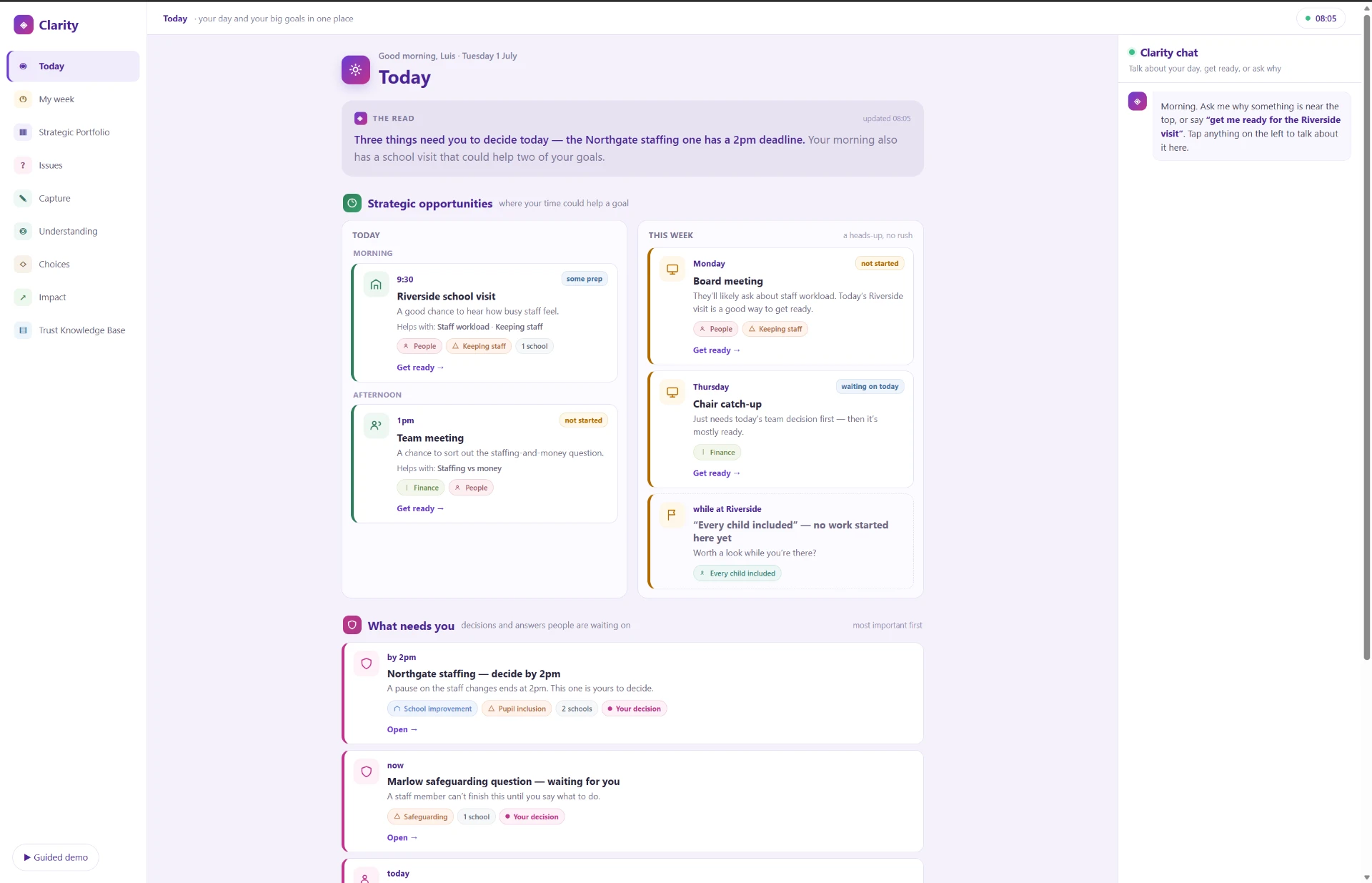
Start on Today — the screen a leader opens each morning.
- 2
Use the left-hand navigation to move between areas. Only some areas are live in this demo — the highlighted ones marked “live” are clickable; the rest are shown as part of the wider product.
- 3
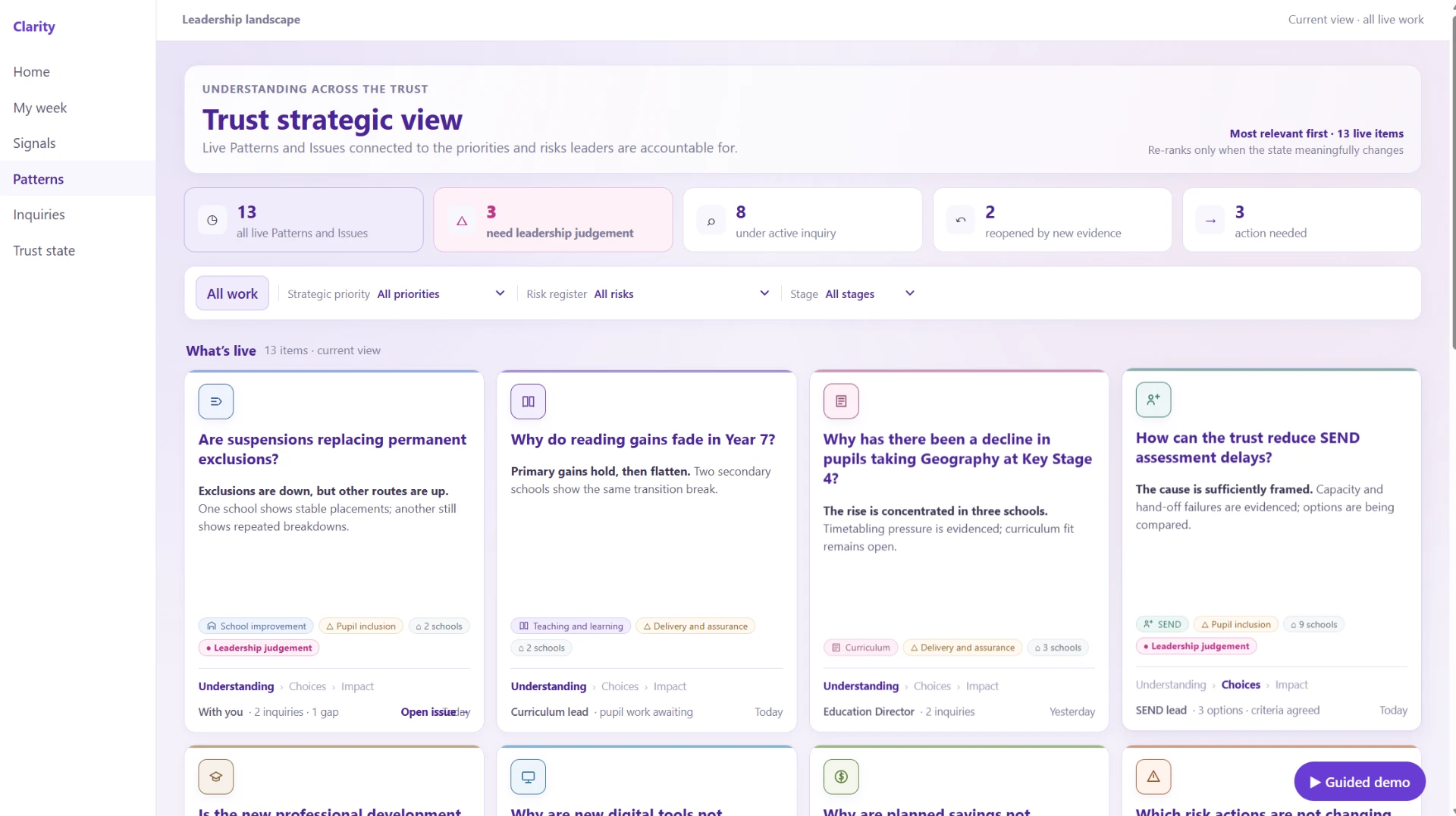
In the Trust strategic view, use the filters to see all issues or narrow by priority.
- 4
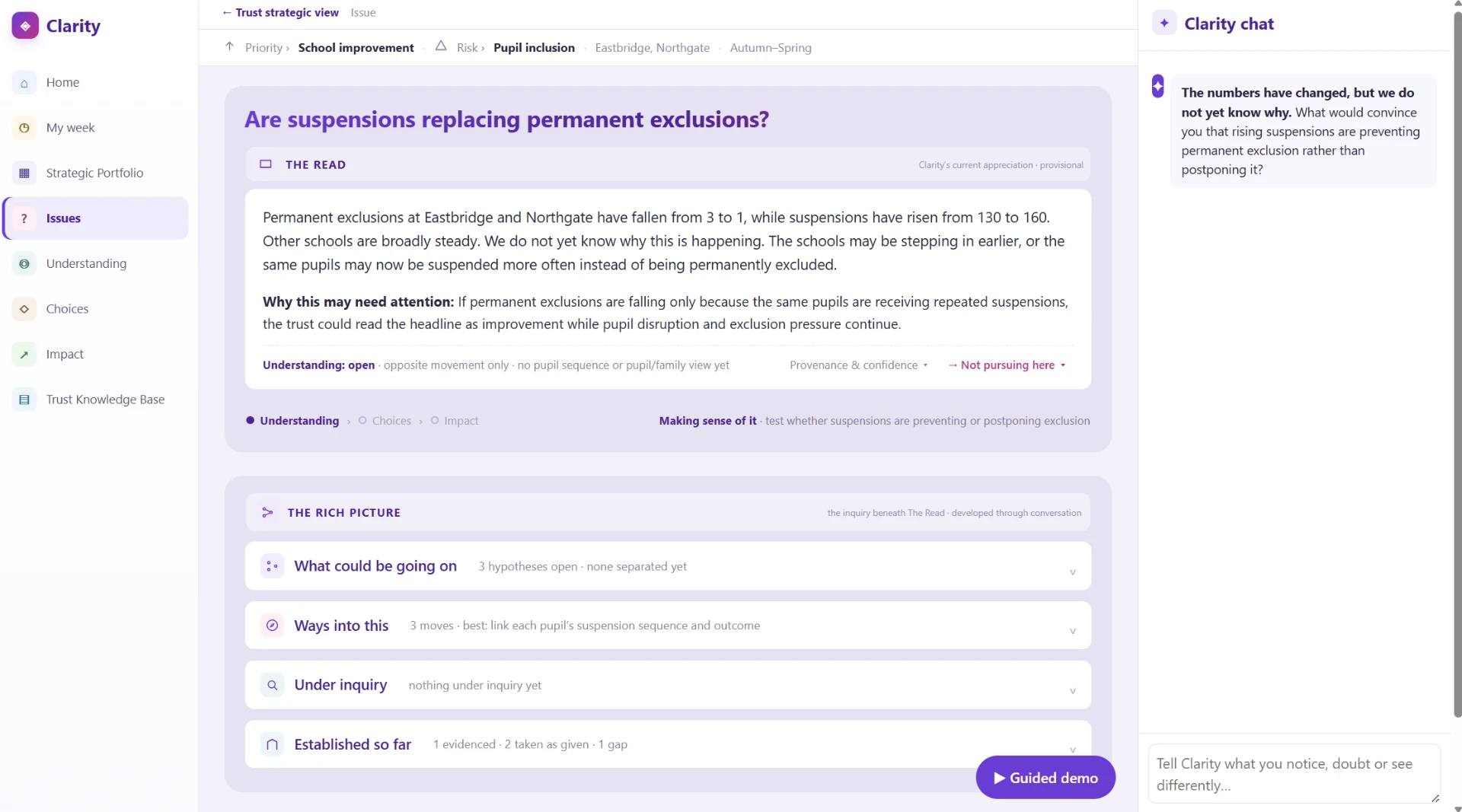
Click the Suspensions issue to open its detailed view and see how Clarity connects live work.
- 5
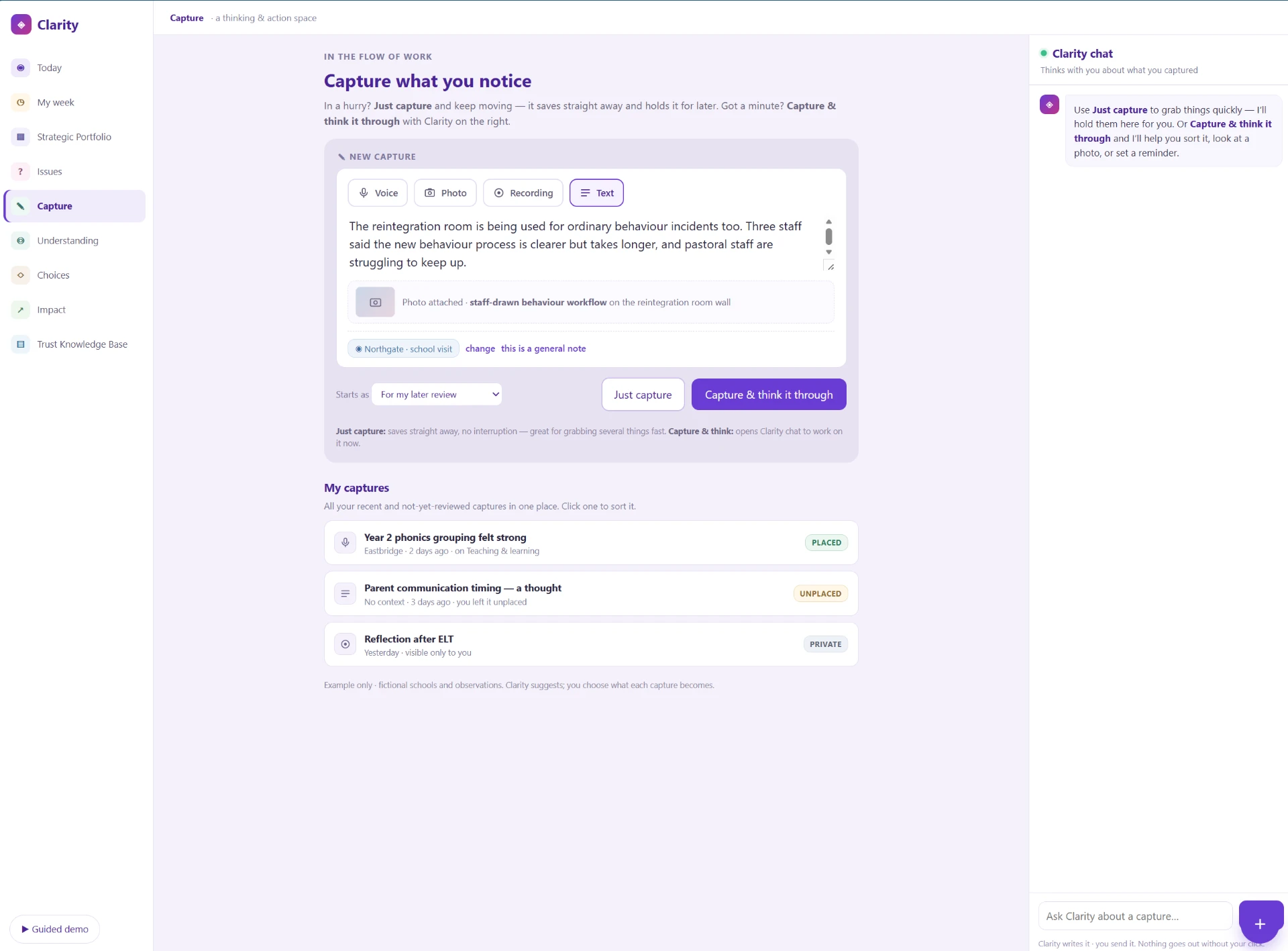
Try Capture to see how a thought, note or file enters the system.
- 6
Best viewed on a laptop or desktop; it works on a phone too, and screens stack vertically.
- 7
It's a guided demo with sample trust data — nothing you enter is saved.
- 8
For a guided walkthrough with annotations, look for the button at the bottom of the demo screen that says Guided demo and select it.
The screens
Jump in anywhere
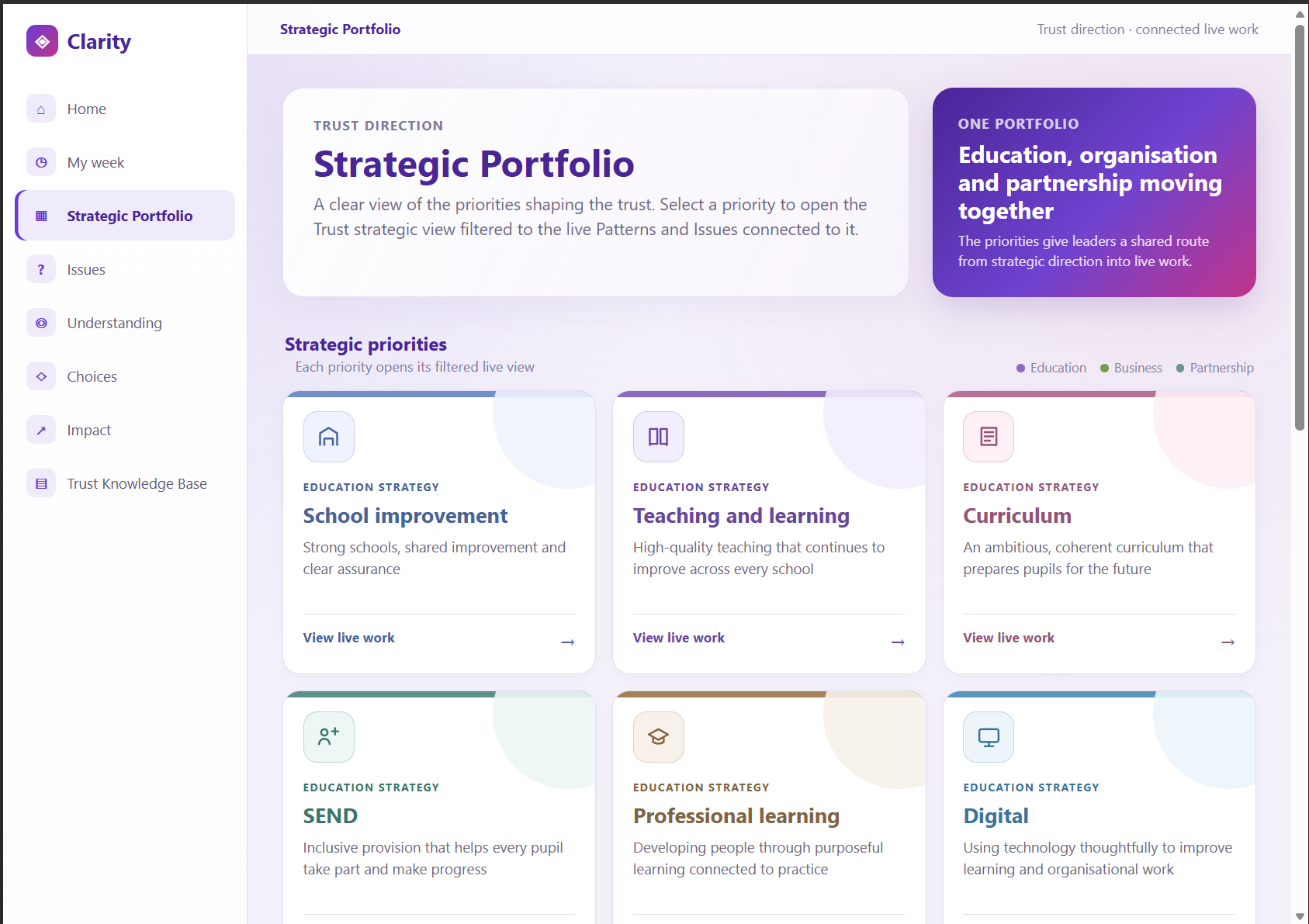
Click any screen to open the demo at that point and click through it yourself.
Want to see it with your own context?
Book a live demo and we'll walk through it together.